On 1 October 2026, Anthropic released Claude Code mods, a way to change how its AI coding tool looks and behaves from the inside. If your team writes code with Claude Code, mods let you add your own panels, commands and safety checks without waiting for Anthropic to build them. Here's what mods are, how to get them, and what to watch before you install one.
What Claude Code mods actually are
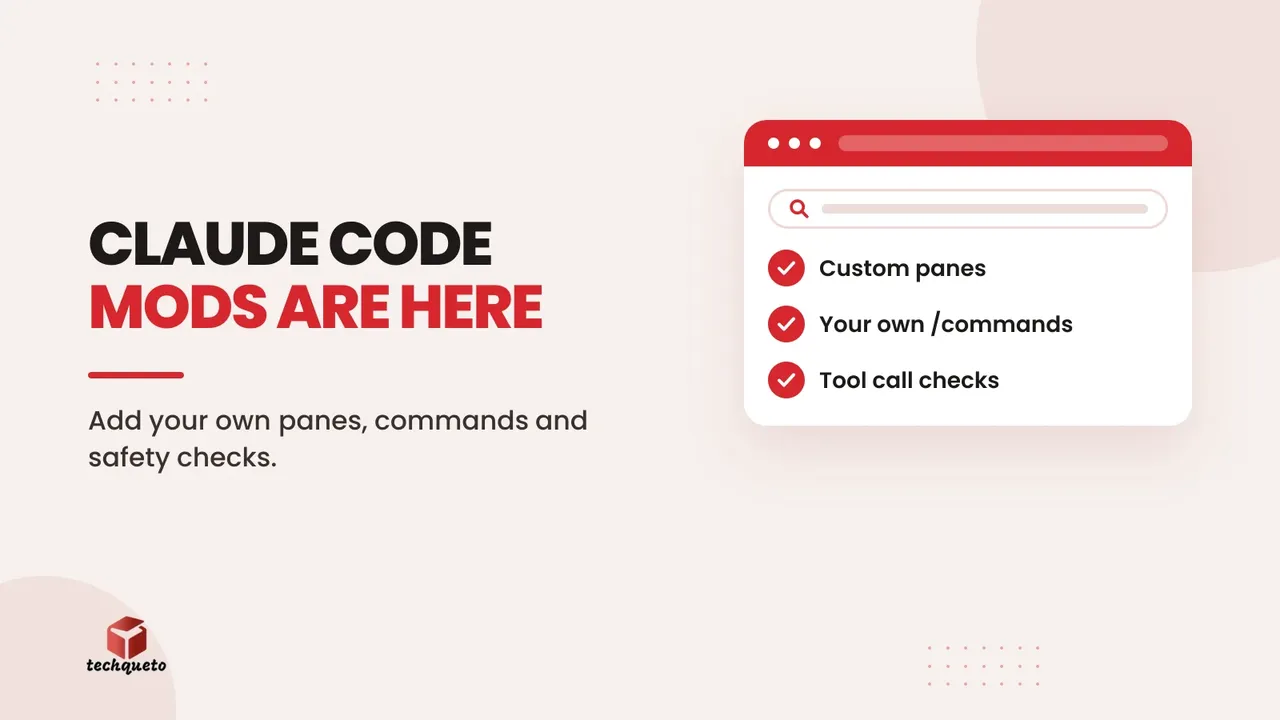
A mod is a plugin made of small JavaScript or TypeScript functions. Claude Code runs them when something happens, such as Claude calling a tool, you sending a prompt, or part of the screen being drawn. Each function can watch the event, change it, or take it over. Skills, MCP servers and settings hooks work from outside Claude Code; a mod runs inside it, so it can draw a pane beside the chat, add a /command that runs instantly, or pause a tool call to ask you first. Anthropic has even rebuilt its own /diff view as a mod.
Do this: run claude --version. Mods need Claude Code 2.1.287 or later and are on by default, in the terminal and the Claude Desktop app.
Install them with /plugin (there's no separate /mod command)
Mods ship inside plugins. In a session, run /plugin install name@marketplace; from your shell, claude plugin install name@marketplace. Running /plugin shows which mods are active. To make your own, describe it to Claude in a session and it writes the mod for you. Anthropic's sample mods show the range: token-weather forecasts how full your context window is, blast-radius holds risky commands like rm -rf until you confirm, and replay-theater adds a /replay command that steps through Claude's last edits.
Do this: try one sample mod for a day before you write your own, so you see what a pane or command feels like in practice.
What this means for business and agency teams
The useful mods are the boring ones. Anthropic's own examples include a pane that shows CI/CD status, a confirmation step before anyone touches production config, and an audit log of what mods do. For a web or marketing team, that could be a check that blocks a deploy without passing tests, or a /launch-check command that lists what to verify before a site goes live.
Do this: pick one check your team still does by hand, and ask Claude Code to turn it into a mod.
Treat a mod like any code you install
Mods aren't sandboxed. A mod runs with your permissions, so it can read your files and API keys, see every prompt, approve tool calls and spend your usage. Install mods only from authors you trust. On Team and Enterprise plans, a built-in guard stops user-installed mods from overriding your organisation's permission rules.
Do this: before installing a third-party mod, run claude plugin validate on its folder and read the hooks and calls it lists. Anthropic's mods documentation explains each one.
The bottom line
Claude Code mods turn an AI coding assistant into one shaped around your team: your checks, your commands, your screens. Start with one small guardrail, keep installs to trusted sources, and review what a mod can reach. If you're weighing how AI fits your business beyond coding, see whether your website is ready for AI agents too.
Need help with this? Get in touch with Techqueto — we build and grow websites for 100+ brands across India and the UAE. Ready to get started? Get started here.