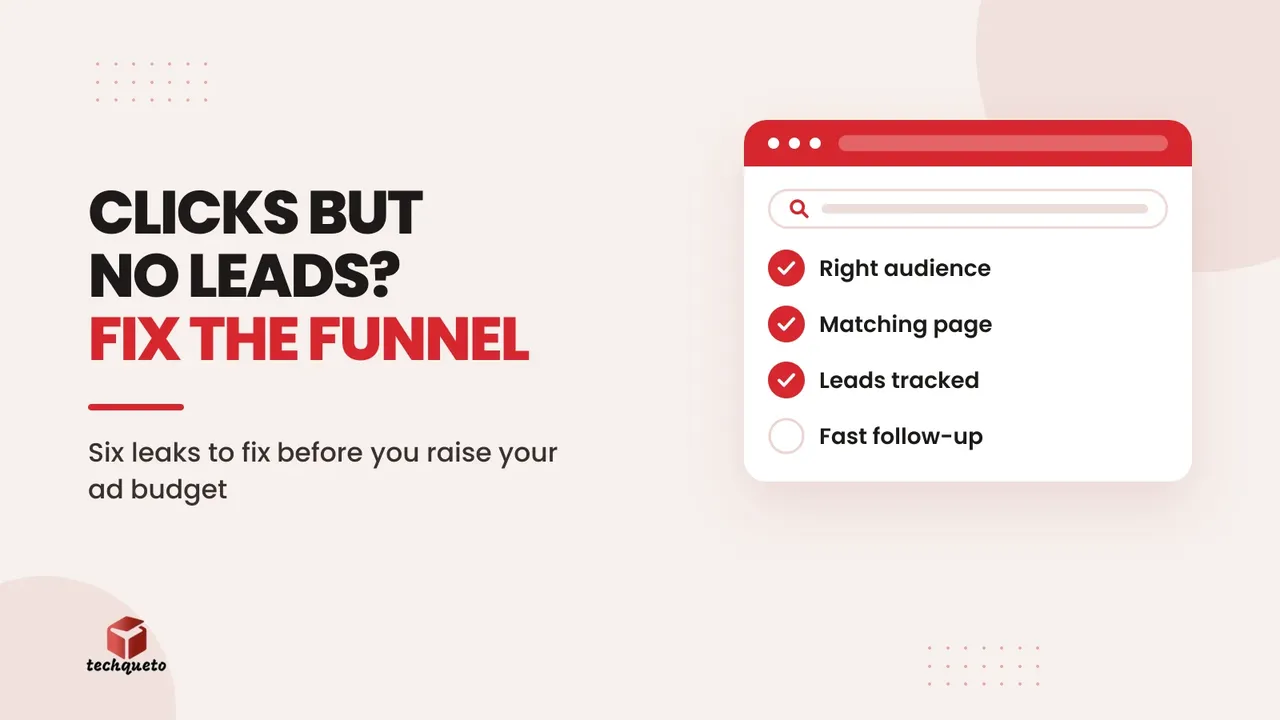
Your ads are getting clicks. The dashboard looks busy. But the phone is quiet, WhatsApp has a handful of "price?" messages, and the money keeps going out. The usual reaction is to raise the budget or switch agencies. In our experience the problem is rarely the amount you spend. It is a leak somewhere between the click and the customer, and more budget just pushes more people through the same hole.
This guide is the checklist we run on every account before anyone touches the budget. It works for Meta (Facebook and Instagram) ads and Google Ads alike.
Start with four numbers, not a feeling
"The ads aren't working" can mean five different problems. Before changing anything, pull four numbers for the last 30 days:
- Clicks: how many people clicked the ad.
- Landing page views: how many of them actually saw your page load. Meta reports this as a separate column; in Google Ads compare clicks with sessions in Google Analytics.
- Enquiries: calls, WhatsApp chats and form submissions that came from the ads.
- Customers: how many of those enquiries paid you.
Each gap between two numbers is a different leak with a different fix. Here is a worked example with round numbers:
- Monthly spend: ₹30,000
- Clicks: 3,000, so ₹10 per click
- Landing page views: 2,400. 600 people left before the page loaded.
- Enquiries: 24. 1% of visitors got in touch.
- Customers: 4. 1 in 6 enquiries closed.
- Cost per customer: ₹7,500
Now compare two ways of growing. Doubling the budget to ₹60,000 gets you roughly 8 customers at the same ₹7,500 each, if the extra clicks are as good as the first ones, which they usually aren't. Fixing the page so that 3% of visitors enquire instead of 1%, on the same ₹30,000, gives about 72 enquiries and, at the same closing rate, around 12 customers at ₹2,500 each. The second option costs nothing extra in ads.
That is why we never start with budget. Find the step with the biggest drop, fix it, and only then spend more.
Leak 1: the wrong people are clicking
A cheap click from someone who will never buy is not cheap. Signs you are paying for the wrong audience:
- High click-through rate, but visitors leave within seconds.
- Enquiries ask for things you don't sell, or come from cities you don't serve.
- Lots of "just checking the price" messages and no follow-up replies.
Do this:
- Google Ads: open the search terms report every week. Add negative keywords for searches that will never convert, such as "free", "jobs", "course", "DIY", "second hand" or competitor names if you don't want those clicks.
- Meta: tighten the location to where you can actually deliver, and check which placements are spending. Audience Network and some in-app placements can bring accidental clicks. We covered what changed with Meta's placement controls this year.
- Write the ad for your real buyer. "Modular kitchens from ₹1.5 lakh, installed in 30 days" filters out people with a ₹20,000 budget before they click. Vague ads attract vague clicks.
Leak 2: the ad promises one thing and the page says another
Someone clicks an ad about modular kitchens and lands on a homepage that talks about interiors, offices, bathrooms and a company history. They have to hunt for the thing they clicked on, and most won't. This mismatch is one of the most common leaks we find.
Do this:
- Send each campaign to a page about that one offer. The headline on the page should repeat the promise in the ad, in similar words.
- Remove distractions on that page: no full menu, no links to unrelated services, no autoplaying sliders.
- Keep one main action, such as "Get a quote on WhatsApp", repeated after each section.
Leak 3: the page loses people before they read it
Go back to the four numbers. If landing page views are much lower than clicks, people are leaving before your page even appears. On mobile data, a heavy page can take several seconds to show anything. Google's own research on mobile pages found that the chance of a visitor leaving rises sharply with every extra second of load time.
Do this:
- Test the landing page on PageSpeed Insights using the mobile result, not desktop.
- Compress images, remove sliders and chat plugins you don't need, and avoid loading the whole website just to show one offer.
- Check the first screen on a phone. Without scrolling, a visitor should see what you offer, who it's for, one reason to trust you, and how to get in touch.
Leak 4: the next step is unclear or asks too much
A visitor can be interested and still not act if the page doesn't tell them what to do, or asks for too much too early. Long forms that want name, email, phone, company, budget and a message are a big ask from someone who found you thirty seconds ago.
Do this:
- Give one clear call to action per page: "Get a quote", "Book a site visit", "Chat on WhatsApp".
- In India, a WhatsApp button usually beats a form for a first contact. If you keep a form, cut it to name and phone number. Click-to-WhatsApp ads can skip the landing page altogether when the offer is simple.
- Say what happens next: "We reply within 30 minutes during working hours with a price range." Uncertainty stops people.
- Show a price range or a starting price if you can. "Call for price" filters out serious buyers as often as time-wasters.
Leak 5: you're measuring clicks, not leads
If your reports show impressions, reach, likes and clicks but not enquiries, nobody can say which ad, keyword or audience brings customers. The ad platforms then optimise for whatever you told them to, which is often clicks.
Do this:
- Track every enquiry action as a conversion: form submissions, taps on the call button and taps on the WhatsApp button. In Google Analytics 4 these are events; send them to Google Ads and Meta as conversions.
- Tag every ad link with UTM parameters so you can see which campaign each visit came from.
- Once a month, mark which enquiries became customers. Even a simple spreadsheet with "source" and "became customer: yes or no" columns changes your decisions. Google's AI Max campaigns and Meta's automated audiences both work far better when they learn from real conversions.
Leak 6: leads go cold after they enquire
The ad did its job and someone messaged you. Then nobody replied for four hours, or the reply was "please call this number". By then they have asked two competitors. Many businesses lose more customers here than anywhere else, and it never shows up in the ads dashboard.
Do this:
- Reply to new enquiries within minutes during working hours. WhatsApp Business quick replies and an away message help when you're busy.
- Use labels in WhatsApp Business (new, quoted, follow up, won, lost) so no conversation falls through.
- Follow up on a schedule: the same day, after one day, after three days and after a week. Most sales need more than one conversation.
- Track enquiry to customer as a number. If it's low, the problem is the sales process, not the ads.
Why the ads and the website have to be planned together
Every leak above sits on the line between marketing and the website. When the ads are run by one person, the website was built by someone else three years ago, and social media is handled by a third, each part looks fine on its own report while the whole system loses customers. SEO brings visitors to a blog post with no next step. Social posts point nowhere. Ads land on the homepage.
The fix is to treat it as one journey: ad or search or post, then a page built for that visitor, then one clear action, then a fast reply, then a customer. One person should be able to see the numbers for every step. That's the approach behind everything we do at Techqueto: the website is built to convert, and the marketing is built to fill it.
Before you spend another ₹1: the checklist
- I know my clicks, landing page views, enquiries and customers for the last 30 days.
- I know my cost per enquiry and my cost per customer.
- My ads only show in areas I can serve, and I've excluded searches or placements that never convert.
- Each campaign lands on a page about that offer, with the same promise as the ad.
- The landing page loads quickly on a phone and shows the offer and contact option without scrolling.
- There's one clear action, and a WhatsApp or call option is always visible on mobile.
- Calls, WhatsApp taps and form submissions are tracked as conversions.
- Every ad link carries UTM tags.
- New enquiries get a reply within minutes, with a follow-up schedule after that.
- I review which enquiries became customers every month.
If you can't say yes to at least eight of these, more budget will mostly buy more of the same results. Fix the biggest leak first, give it two to four weeks of data, and then scale what works.
Common questions
How long should I run a campaign before judging it? Give a new campaign one to two weeks and enough budget for at least a few dozen landing page views a day. Judging on two days of data usually means judging noise.
Is a low click-through rate or a low conversion rate the bigger problem? A low click-through rate makes clicks expensive; a low conversion rate wastes the clicks you already paid for. Fix conversion first, because every later improvement to the ads multiplies through it.
Should I pause ads while I fix the website? Not always. If your cost per customer is still profitable, keep running at a lower budget while you fix the landing page, so you keep learning from real data.
Want us to find the leak for you? Talk to Techqueto. We audit the ad account, the landing page and the follow-up together, and tell you which step to fix first.