If your website runs on PHP, and that includes almost every WordPress site, most Laravel apps and a huge share of Indian business websites on shared hosting, this week's PHP security update is not one to leave for "later". On October 21, 2026, the PHP project fixed two critical flaws, nicknamed PHP2Shell, that let an attacker run their own code on a web server without logging in. Attacks started almost immediately. This guide explains what happened in plain language, how to tell whether your site is exposed, and exactly what to ask your developer or hosting provider today.
What PHP2Shell is and why this PHP security update matters
The two flaws are tracked as CVE-2026-109618 and CVE-2026-109619. Both are "unauthenticated remote code execution" bugs. In simple terms, someone on the internet can send specially crafted requests to your site and, under the right conditions, make your server run commands of their choosing. Once that happens, an attacker can plant malware, steal customer data from your database, inject spam links that damage your SEO, or quietly add your server to a botnet.
According to Rapid7's analysis of CVE-2026-109618 and CVE-2026-109619, every PHP installation that serves web requests is at risk, whether it runs through PHP-FPM, Apache mod_php, php-cgi, FrankenPHP or LiteSpeed. Sites on Apache mod_php are the highest risk, because the attack can work before any of your application code even runs. Rapid7 also notes that the US cybersecurity agency CISA added both flaws to its list of known exploited vulnerabilities on October 26, citing evidence of active exploitation.
The scale of scanning is the other reason to move fast. The Hacker News reported that Cloudflare saw exploit attempts rise from tens of thousands to millions between October 21 and early October 22, and that one attempt was logged by Amazon's honeypots four days before the flaws were even disclosed.
Do this: Treat this as a same-week job, not a next-sprint job. Put "confirm PHP is patched" on today's list for every website and web app your business owns.
Which PHP versions are affected
The flaws affect every supported PHP branch. The fixed versions are:
- PHP 8.5.12 or later
- PHP 8.4.27 or later
- PHP 8.3.36 or later
- PHP 8.2.35 or later
If your site runs PHP 8.1, 8.0 or 7.4, you are in a riskier position. These branches no longer get routine security updates. Rapid7 notes that PHP released limited one-off backports for them this time, but you cannot count on that happening for the next flaw.
Linux distributions such as Ubuntu, Debian and Red Hat received the patches in advance and ship their own package versions, so the version number on a managed server may not match the list above exactly. What matters is that the package your host installed contains both fixes.
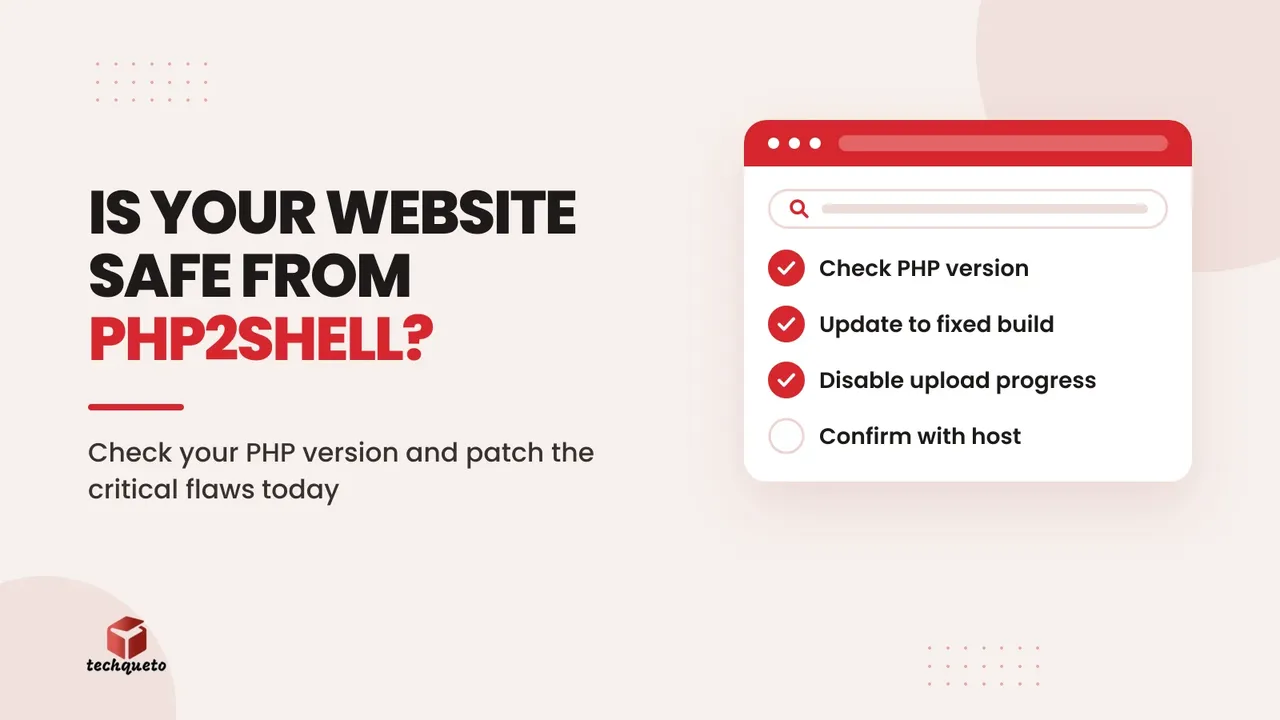
Do this: Find your exact PHP version. In WordPress, go to Tools → Site Health → Info → Server. In cPanel, check "Select PHP Version" or "MultiPHP Manager". For Laravel or custom apps, ask your developer to run php -v on the live server, not on their laptop.
A third flaw is still unpatched, but easy to block
Two days after the PHP2Shell fixes, PHP warned of a separate issue, CVE-2026-115560, that the October 21 releases do not fix. The good news is that it only applies in an unusual setup that PHP itself describes as "unlikely in practice". It involves a specific combination of session settings being changed at runtime while session upload progress is switched on.
The recommended temporary fix is to turn off session upload progress by setting session.upload_progress.enabled=0. Very few business websites use this feature, which shows upload progress bars through PHP sessions, so switching it off rarely breaks anything. The same setting also reduces exposure to CVE-2026-109619, so it is worth doing either way.
Do this: Ask your developer or host to set session.upload_progress.enabled=0 in php.ini or the PHP-FPM pool configuration, then restart PHP. Setting it from inside your app with ini_set() or a .user.ini file is too late to protect you.
Shared hosting, managed hosting or your own server: who fixes what
Most small and mid-sized Indian businesses don't manage their own servers, so the first question is who is responsible for patching PHP.
- Shared hosting (cPanel or Plesk plans): Your host patches PHP for you, but you often choose which PHP version your site uses. If your site is pinned to an old version like 7.4 or 8.1, the host's patching may not fully protect you.
- Managed WordPress or managed cloud hosting: The host normally handles PHP updates. Ask them to confirm in writing that your server runs a build with both fixes.
- VPS or cloud server (AWS, DigitalOcean, Azure, your own Linux box): You or your developer are responsible. Update the PHP packages through the operating system's package manager and restart PHP-FPM or Apache.
Do this: Send your hosting provider or developer one clear message: "Please confirm our server is running a PHP build that includes the fixes for CVE-2026-109618 and CVE-2026-109619, and tell us the exact version." A vague "we keep everything updated" is not an answer.
Temporary fixes if you can't patch today
Sometimes a patch can't go in immediately, for example because an old plugin or a legacy Laravel app breaks on a newer PHP minor version. Rapid7 lists several temporary measures that reduce exposure. None of them replaces the real update.
- Turn off session upload progress, as described above.
- On PHP 8.5, set
fatal_error_backtraces=0at the server level. - Tighten request limits. Keep
post_max_sizeto around 8 MB if the site doesn't take uploads, or 32 MB if it does, and block multipart form uploads entirely if your app never uses them. - Apply all of these at the server or PHP-FPM level, then restart every PHP worker so the change takes effect.
Rapid7 also warns that hiding errors with display_errors or @ does not stop the attack, and that an empty error log does not prove you are safe.
Do this: If you apply temporary fixes, put a firm date on the actual upgrade. Temporary measures tend to become permanent, and the next flaw won't wait.
Worked example: what two hours of patching are worth
Here is an illustrative example. These rupee figures are made up to show the trade-off, not drawn from any real business.
Imagine a Mumbai D2C brand whose WooCommerce store makes ₹1,50,000 a day in orders. Patching PHP on a managed server and testing the checkout takes a developer about two hours, which at ₹2,000 an hour costs ₹4,000.
Now imagine the site gets compromised instead:
- The store is taken offline for three days to clean malware and restore backups: about ₹4,50,000 in lost orders.
- Emergency clean-up by a security specialist: say ₹40,000.
- Google flags the site as hacked and organic traffic drops for weeks while the warning clears, which also wastes paid ad spend sent to a "this site may be hacked" page.
Even before counting the loss of customer trust, the patch costs a tiny fraction of the clean-up. That is the calculation to bring to anyone who says "let's wait and see".
Your PHP security update checklist
Use this list to close the issue out properly:
- Find the exact PHP version on every live website and web app, including staging sites exposed to the internet.
- Confirm each one is on 8.5.12, 8.4.27, 8.3.36, 8.2.35 or a vendor build with both fixes.
- Set
session.upload_progress.enabled=0at the server level and restart PHP. - Plan an upgrade for anything still on PHP 8.1 or older.
- Check for signs of compromise: new admin users, unfamiliar files in upload folders, unexpected redirects, or spam pages appearing in Google's results for your site.
- Take a fresh, off-server backup once you have confirmed the site is clean.
If you've been putting off backend upgrades in general, our guide to upgrading your website backend safely after Node.js 20 end of life walks through a staged approach that works just as well for PHP version jumps. And if spam pages have already appeared on your site, our checklist for Google's September 2026 spam update covers how to find and clean them up.
The bottom line
PHP2Shell is serious because it needs no login, works on default settings in some setups, and is already being probed at massive scale. The fix itself is not complicated. Move every site to a patched PHP build, switch off session upload progress, and get a clear written confirmation from whoever runs your hosting. Businesses still on PHP 8.1 or older should treat this as the warning to upgrade before the next critical flaw arrives with no backport at all.
Need help with this? Get in touch with Techqueto — we build and grow websites for 100+ brands across India and the UAE. Ready to get started? Get started here.