If your website is built on React or Next.js, Next.js 16.3 is worth a conversation with your developer. The headline feature, Instant Navigations, is aimed at one problem every business owner recognises: you tap a link and nothing seems to happen for a second. That pause costs enquiries, especially on mobile networks across India.
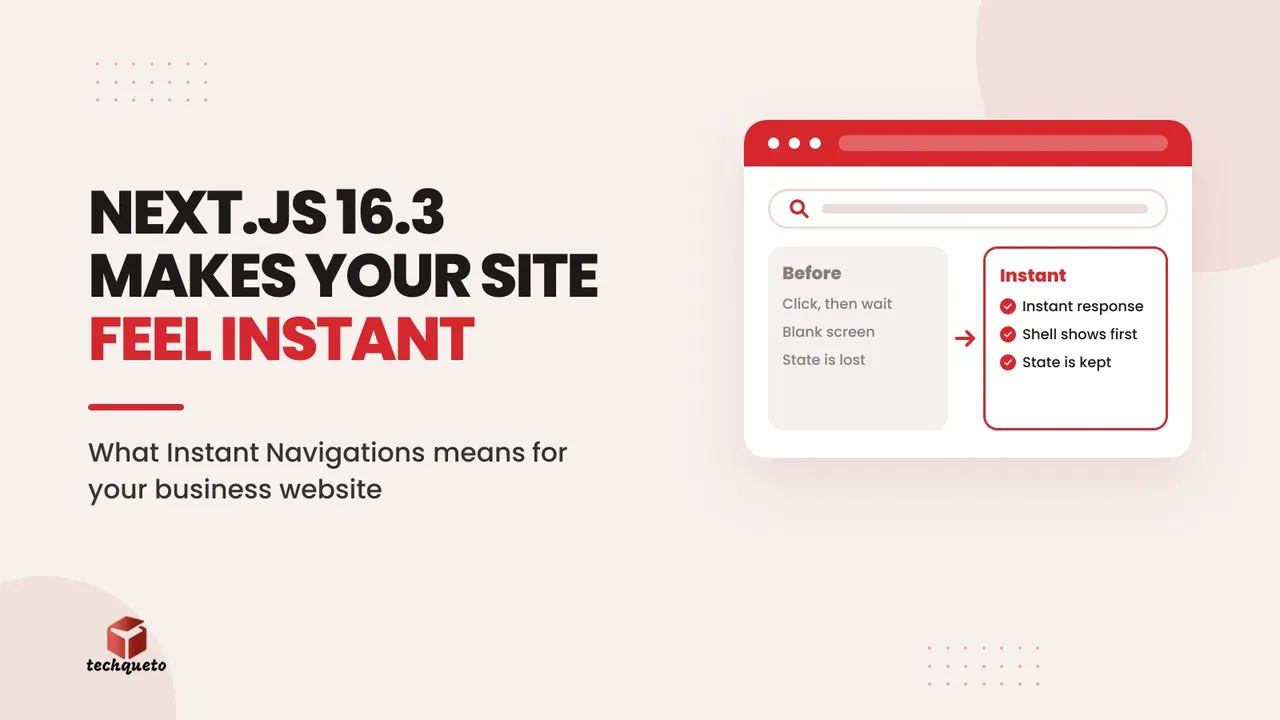
According to the official Next.js blog, Instant Navigations lets an app respond immediately to a click, keep client state between pages and update optimistically, all while still using Server Components. Here is what that means in practice.
What Instant Navigations changes for visitors
Until now, many Next.js sites waited on the server before showing anything after a click. With Instant Navigations, the page shell appears straight away and the data fills in behind it. Visitors get the app-like feel they already expect from the best ecommerce and booking sites. Cart contents, filters and form inputs also survive as people move around.
Do this: Open your site on a mid-range phone over 4G, click through your top five pages and note every pause. Hand that list to your developer as the upgrade brief.
Why it matters beyond "feels nice"
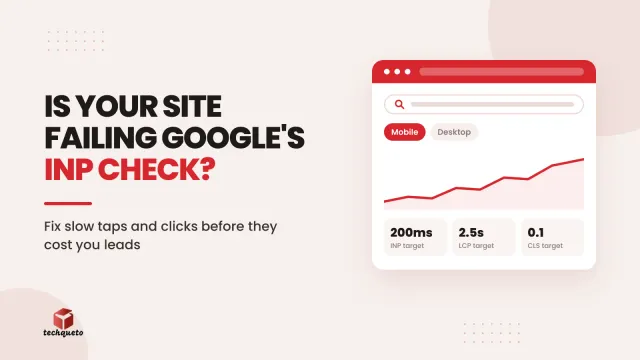
Slow-feeling interactions hurt both conversions and search performance. If you have already read our guide to fixing INP and slow-feeling websites, think of Instant Navigations as one of the framework-level tools that helps you act on it. Faster responses mean fewer abandoned visits before a contact form or WhatsApp button is ever seen.
Do this: Record your current enquiry rate and INP score before upgrading, so you can prove the difference afterwards.
Upgrade safely, and patch on schedule
Next.js now publishes security patches on a more regular, pre-announced schedule, and earlier 2026 releases fixed several high-severity issues. Running an old version is a business risk, not just a technical one. Next.js 16.3 also ships an instant() test helper that checks whether a navigation really is instant, so your developer can verify the result instead of guessing.
Do this: Ask your developer which Next.js version you run today, and agree a monthly patch window. Use the instant() helper on your key pages as part of the upgrade checklist.
The bottom line
Next.js 16.3 will not fix a badly structured site on its own, but it removes a real source of delay for businesses already on the framework. Audit the slow clicks, measure first, upgrade deliberately and test the result. If your site is still on an older stack, this is a good moment to ask whether it is holding your leads back.
Need help with this? Get in touch with Techqueto — we build and grow websites for 100+ brands across India and the UAE. Ready to get started? Get started here.