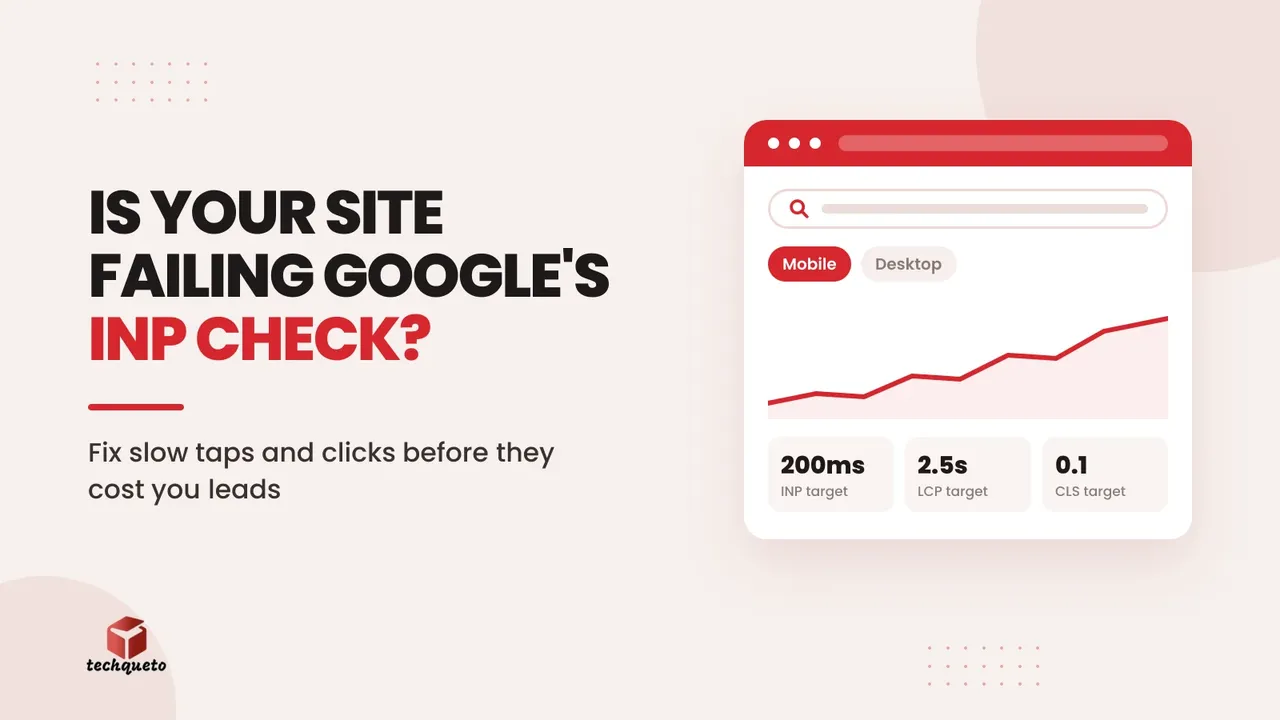
Google's Core Web Vitals thresholds haven't moved: LCP under 2.5 seconds, INP under 200 milliseconds, CLS under 0.1. What has changed is how interaction latency is sampled. Pages that fire lots of JavaScript on every tap or click no longer get the benefit of generous averaging, so some sites are seeing their INP Core Web Vitals scores slip without anyone touching the code. INP (Interaction to Next Paint) measures how quickly your page responds when someone taps a menu, filters products or opens a form. Here is how to fix it.
1. Check field data, not just a Lighthouse score
A green Lighthouse run on your laptop says little about a customer on a mid-range phone and a patchy network. INP is a field metric, which means it is judged on real visitors' experience. If Search Console's Core Web Vitals report shows your pages as "needs improvement", believe it over your own test.
Do this: Open Search Console and PageSpeed Insights, note which page groups fail INP, and start with the ones that bring in enquiries or sales.
2. Audit third-party scripts
Chat widgets, tracking pixels, popup tools and heatmaps all compete for the same browser thread your buttons need. One heavy script can make every tap feel laggy. We often find three or four tools on a site that nobody remembers adding.
Do this: List every third-party script, remove what you don't use, and load the rest after the page is interactive.
3. Slim down page-builder and filter bloat
Interactive sites feel this change first: ecommerce filters, mega menus and WordPress builds stacked with page-builder add-ons. Long JavaScript tasks block the browser from responding, so the click works but the screen seems frozen. If your site feels slow even when it loads fast, this is usually why, and it is one of the reasons a good-looking website still isn't getting enquiries.
Do this: Replace heavy add-ons with lighter ones, and ask your developer to break long scripts into smaller chunks. Google's own guide to optimising INP explains how.
4. Treat responsiveness as a lead metric
A page that hesitates after a tap feels untrustworthy, and visitors don't wait around. Slow interactions quietly add to the problem of a website that is losing leads, especially on mobile, where most Indian traffic arrives.
Do this: Test your enquiry form, call button and main menu on a real phone, and fix any delay you can feel.
The bottom line
The thresholds are the same, but the bar for passing has quietly risen. Sites that stay lean, with few scripts and light interactions, will keep passing, and the rest will feel slower to the people who matter most: your customers.
Need help with this? Get in touch with Techqueto — we build and grow websites for 100+ brands across India and the UAE. Ready to get started? Get started here.