An AI assistant that forgets everything between conversations makes you repeat yourself: your services, your timings, how you like replies written. This second post in our Claude OS series is for owners and marketing managers who want an assistant that stays consistent. You will see how two "Claude OS" projects handle memory, and how to build a simple version for your own business using nothing more than a couple of text files.
Two ways to give an assistant a memory
The two projects we looked at in the first post of this series take opposite routes.
- A database. The agno-agi/claude-os repository uses PgVector for long-term memory and knowledge. Notes and documents are stored in a database and looked up when needed. Running it means Docker and a database service.
- Plain files. A personal Claude OS write-up describes a git-tracked markdown memory repository. Two files, TODAY.md and MEMORY.md, are loaded by startup hooks, and the page says "No vector database, no embeddings." These are the author's own claims about their own setup, and we have not tested it.
Both ideas are sound. The database route scales to large piles of documents. The file route is cheaper, easier to inspect and easier to fix, because you can open the memory in any text editor and see exactly what the assistant knows.
Why files suit a small business
For most small businesses, the knowledge an assistant needs is short: what you sell, who you serve, your hours, your policies and your tone. That fits on a page or two. A few advantages of keeping it in files:
- You can read it. If the assistant says something wrong, you open the file and find the line that caused it.
- You can correct it. Editing a sentence fixes the behaviour. There is nothing to re-index.
- You can track changes. Saving the files in a version history shows who changed what and when, and lets you undo a bad edit.
- It is not locked to one tool. Plain text moves between assistants.
Anthropic's own tooling uses the same idea. The Claude Code documentation, How Claude remembers your project, explains how instructions kept in files are read at the start of sessions, and its hooks reference covers running your own steps at set points, which is the mechanism the personal write-up says it uses to load its files.
Build a one-page memory for your business
You do not need Claude Code or any special setup to try the idea. Create two documents and paste them at the start of an assistant conversation, or attach them if your tool allows it.
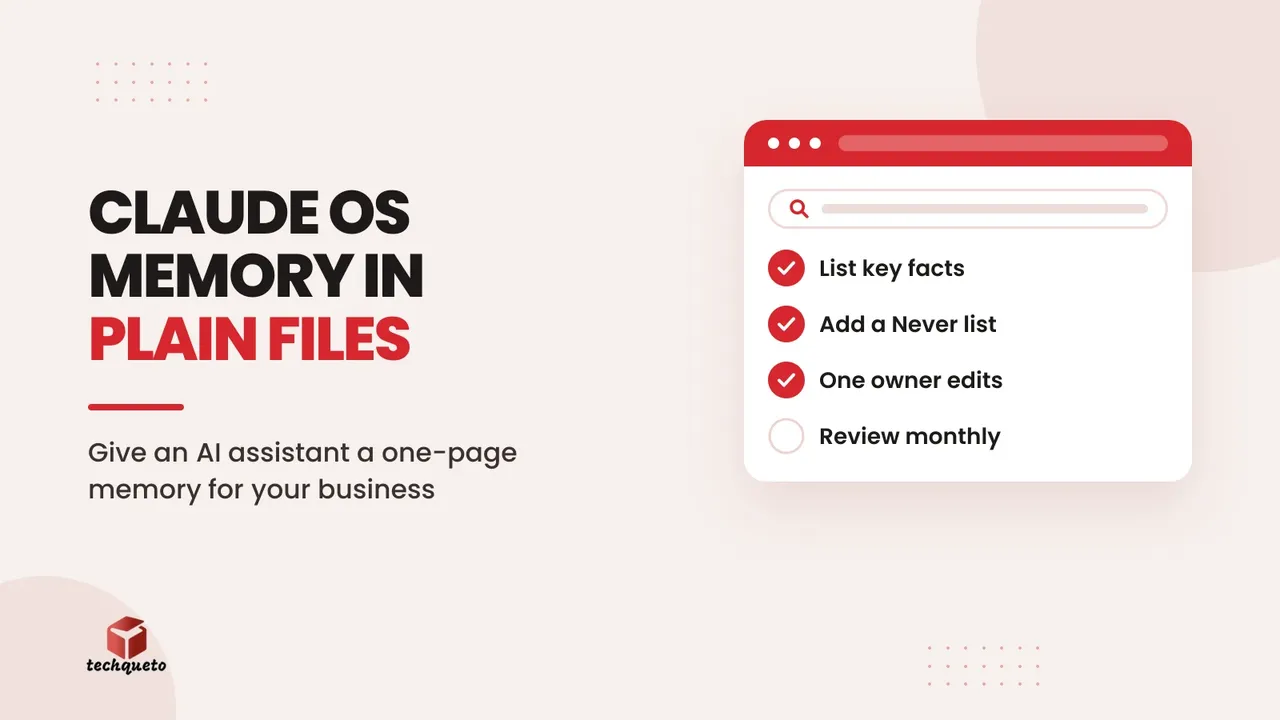
- A MEMORY file for facts that rarely change. Services, service areas, opening hours, how to book, what you never promise, and your tone of voice in two or three sentences.
- A TODAY file for facts that change often. Current offers, closed days, new batches, stock that is out, and anything staff should know this week.
- A rule about edits. Only one named person changes the MEMORY file. Everyone can suggest changes, but one person approves them, so the file does not drift.
An example MEMORY file
This is an example for an imaginary dental clinic. The figures and details are made up for illustration:
- Services: check-ups, cleaning, fillings, root canal, braces consultations.
- Hours: Monday to Saturday, 10 am to 7 pm. Closed Sundays.
- Consultation fee: ₹500, adjustable against treatment (example figure).
- Never say: that a treatment is painless, a guaranteed result, or an exact total cost before an examination.
- Tone: polite, short sentences, simple English, offer to switch to Hindi or Marathi.
Notice the "Never say" line. Telling an assistant what it must not claim is as valuable as telling it what it should say.
How we think about it in practice
When we built the website for Deepak Classes, the home page listed office timings, with separate hours for accepting fees and shorter hours during vacations. That is a small block of plain facts, and it saves the institute phone calls because the answer is already written down. It is exactly the kind of content that belongs in a MEMORY file: stable, specific and easy to check. The vacation hours would belong in the TODAY file when they apply.
Do this: read your own website's contact and timings page, and copy every fact a customer could ask about into your MEMORY file in plain sentences. If you find two versions of the same fact, fix the website first.
Limits to keep in mind
Files give an assistant context, not judgement. It can still misread a rule, and a long, messy file can contradict itself. Keep each file short, review it every month, and test it by asking questions you already know the answers to. Do not put passwords, customers' personal details or payment information in these files.
To explore practical, low-risk ways to use AI in your business, see our AI page.
Start with one page of facts your assistant must never get wrong
Pick the ten facts that cause the most phone calls and corrections, and write them as plain sentences in a single MEMORY file. That one page will do more for your assistant's accuracy than any database.