Meta ads are where many Indian small businesses and D2C brands spend most of their marketing budget, and they are also where it is easiest to spend more and earn less. Costs rise and fall with the season, Meta keeps changing what its automation does by default, and the dashboard reports success in Meta's own terms. Reach, clicks and even platform ROAS can all look healthy while the business loses money on every order.
This guide gives you one number to anchor every budget decision, the break-even CPM, and then covers how to scale inside it, how to get more sales from each impression, and which automatic settings to check in your account.
Why ad costs rise when you most want to advertise
CPM is what you pay for 1,000 impressions. It is set by an auction, so when more businesses compete for the same people, the price goes up. In India the sharpest rise comes in the festive weeks from Navratri to Diwali, when fashion, jewellery, electronics, home décor, beauty and gifting brands all chase the same shoppers. Planning guides such as Purple Circle's festive CPM guide estimate CPMs climbing 40–70% in the run-up to Diwali.
The common mistake is to treat this as a reach problem and raise the budget to "keep up". Reach is a cost, not a result. A brand paying 60% more per impression needs 60% more orders per impression just to stand still. If it doesn't get them, every extra rupee makes profit worse.
Step 1: Work out your break-even CAC
Break-even CAC (customer acquisition cost) is the most you can spend on ads to win one order before that order loses money. Take your selling price and subtract product cost, packaging, shipping, payment fees, any discount and an allowance for returns and failed cash-on-delivery orders (RTO). What is left is the most you can spend on ads for that order.
Recalculate it for each season. During a sale, discounts are deeper and the share of cash-on-delivery orders and returns usually rises, so the festive break-even CAC is lower than your everyday figure.
Step 2: Turn it into a maximum CPM
With break-even CAC in hand, the highest CPM you can afford is:
Maximum CPM = break-even CAC × click-through rate × conversion rate × 1,000
Click-through rate is the share of people who click your ad; conversion rate is the share of clickers who buy. Take both from the last two weeks of your own ad account and store analytics, not from industry averages.
A worked example
This example uses a fictional kurti brand from the Purple Circle guide; treat the rupee figures as an illustration of the method, not real client data.
- Break-even CAC: ₹520 per order. Click-through rate: 1.5%. Conversion rate: 2.5%.
- Maximum CPM: 520 × 0.015 × 0.025 × 1,000 = ₹195.
In a normal month the brand spends ₹15,000 a day at a ₹120 CPM. Each order costs about ₹320 in ads, leaving ₹200 profit per order, roughly ₹9,375 a day. In the festive weeks, to hold the same reach, spend rises to about ₹27,000 a day and CPM to ₹192. That is just under the ceiling, but each order now costs about ₹512 in ads and daily profit falls to around ₹422. If better festive creative lifts the conversion rate to 3%, the same CPM costs about ₹427 per order and profit recovers to about ₹5,906 a day, and the ceiling itself rises to ₹234.
The point is not that festive ads don't pay. It is that extra spend only works when each impression earns more, and you can see that before you spend it.
Step 3: Split the ceiling into zones
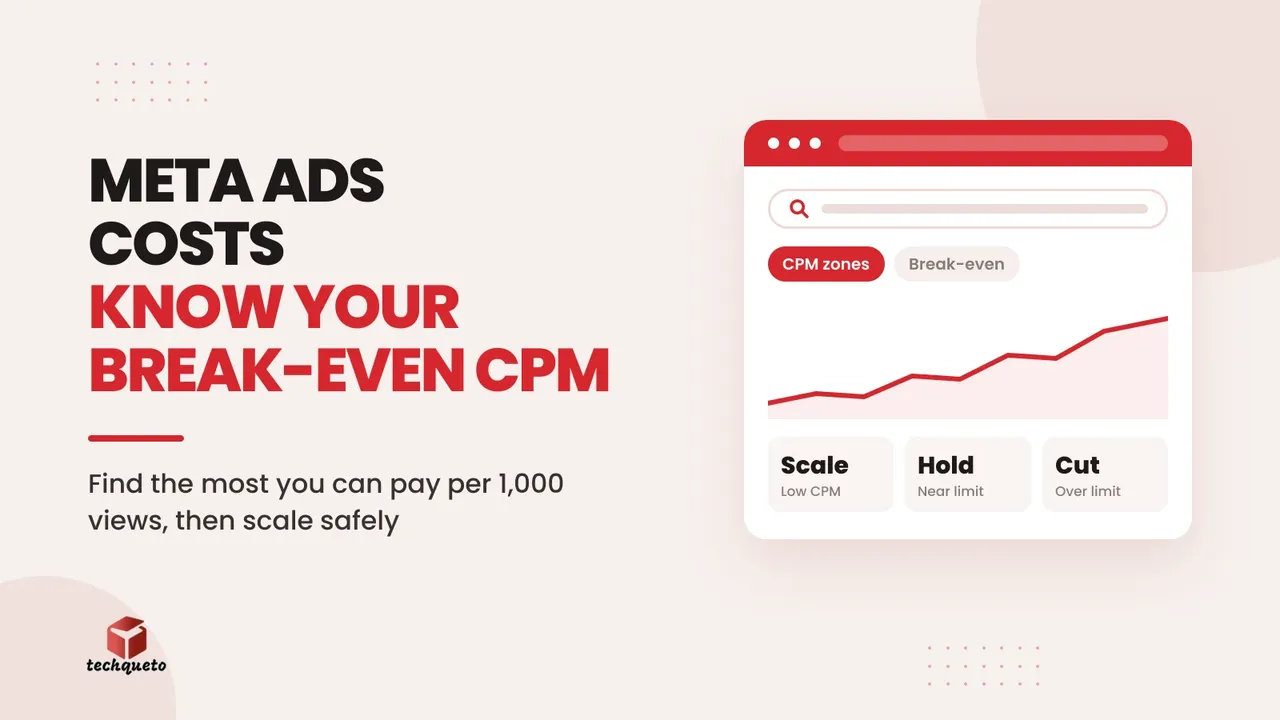
A single number is hard to act on in a busy week. Use 80% of the ceiling as a profit cushion and split it into three zones. For the example above:
- Scale (up to ₹156): increase budgets, in steps.
- Hold (₹156–₹195): keep budgets steady and work on creative and offers.
- Pull back (above ₹195): new orders from cold audiences now lose money, so reduce prospecting.
Write your three numbers at the top of your reporting sheet and check CPM against them every two or three days.
Step 4: Get more sales from every 1,000 impressions
When CPM is outside your control, the lever you do control is how many purchases each 1,000 impressions produce:
- Fresh creative. Short vertical video with a clear offer and a deadline usually beats last month's static banner. Test new concepts before costs peak, not during.
- Visually different ads. Meta's systems judge how different your ads look, not just how many formats you run; a UGC video and a studio shot with the same colours and framing can be treated as near-duplicates. Vary the look, not only the format.
- Bundles and higher order value. A bigger basket raises your break-even CAC, which raises your ceiling.
- A focused landing page. Send traffic to the relevant collection or offer page, not the home page.
- A fast mobile checkout. Most people buy on phones; a slow page wastes paid clicks. Our Core Web Vitals guide covers what to fix.
If clicks are arriving but sales or enquiries aren't, the leak is usually after the ad; our guide to fixing a clicks-but-no-leads funnel shows how to find it.
Step 5: Scale slowly and keep warm audiences running
Large overnight budget jumps can unsettle Meta's delivery. Jon Loomer, an independent Meta ads educator, notes that how much a change matters depends on the size of the budget increase. In practice:
- raise budgets in 20–30% steps, and only while CPM stays in the scale zone,
- reduce cold prospecting when CPM crosses your ceiling,
- keep retargeting and past-buyer campaigns running, because warm audiences convert better and stay profitable when cold CPMs are high,
- plan when you'll pull budgets back after a sale ends, so spend doesn't keep running after demand drops.
Click-to-WhatsApp ads: where chats become sales
For many small businesses, Click-to-WhatsApp ads beat sending people to a form. The ad opens a chat, and the conversation does the selling. Most of the leads are won or lost after the click, so set the chat up before you spend:
- One clear offer in the ad, repeated in the welcome message.
- Quick replies for the questions you get most: price, delivery time, availability.
- Fast replies. Shoppers often message several businesses at once, and the first useful answer usually wins. Aim for minutes during business hours, with one person responsible for the inbox per shift and an away message at night.
- Follow-ups inside the free window. Meta's WhatsApp pricing documentation explains free entry point windows: when you reply to a chat started from an ad, messages for a period afterwards (72 hours) are free, which makes a well-timed nudge one of the cheapest sales tools you have.
Measure chats to sales, not cost per chat. A simple sheet with the chat date, source ad, offer and order value, reviewed every few days, shows which ads actually close.
Step 6: Check the settings Meta switches on for you
Meta increasingly turns features on by default, and some change where your customer goes or what your ad says. Review these in every account you run:
- Product browsing. According to PPC Land, Meta switched product browsing on by default for existing ads from 28 October 2026. When someone taps an ad, Meta may show product information and suggestions inside Facebook or Instagram instead of sending them straight to your site. That can mean fewer site visits, thinner retargeting audiences and less control over how your offer is presented. It can be turned on or off per ad in the Advantage+ Creative and Destination settings.
- Advantage+ creative enhancements. These can adjust text, layout and other parts of your ads automatically. If exact wording matters (prices, offers, regulated claims), review the enhancements on each ad and switch off the ones you haven't approved.
- Placement controls. Meta has replaced the old per-ad-set placement checkboxes with rules that lower your bid on a placement rather than switching it off, according to AdsUploader's tracker of Meta ads changes. The remaining hard block sits at account level, in Business Settings, and applies to every campaign in that account. If a placement has genuinely hurt you before, block it there rather than assuming an old exclusion still holds.
Don't judge a default on instinct. Test it: duplicate a proven ad, switch the setting off in one copy and leave it on in the other, give both the same audience and budget for about a week, and compare cost per purchase or lead, checked against real orders in your store, not just Ads Manager.
Step 7: Make sure the numbers are real
None of this works if tracking is wrong. Confirm that the Meta Pixel and Conversions API both fire on purchases or leads, and that orders in Ads Manager roughly match orders in your store or CRM. Track blended revenue divided by total ad spend alongside Meta's reported ROAS, so you're not relying on the platform's own attribution. Place a test order or submit a test enquiry after every site change.
A checklist for every budget increase
- Recalculate break-even CAC with current discounts and return rates.
- Work out the maximum CPM and set your three zones.
- Have three to five visually distinct creative concepts tested before costs peak.
- Send traffic to a focused landing page or a well-run WhatsApp chat.
- Scale in 20–30% steps and review every two to three days.
- Keep retargeting on; reduce cold prospecting above the ceiling.
- Review product browsing, creative enhancements and placement controls.
- Check that tracked orders match real orders.
Rising ad costs are not a reason to panic or to overspend. They are a reason to know your numbers, and the break-even CPM is the one that keeps every other decision honest.