This guide is for owners and managers of small businesses in India who answer customers on WhatsApp and Google themselves, or through one or two staff. By the end you will have a simple workflow for AI for small business customer replies: the AI drafts, a person approves, and nothing risky goes out under your name.
The pattern is the same in a clinic, a coaching institute, a restaurant or a D2C store. Enquiries arrive at odd hours, the same five questions come up every day, and reviews pile up with no reply because nobody has ten spare minutes. AI is genuinely good at the first draft of these replies. It is bad at knowing your prices, your policies and your customer's situation unless you tell it, and it will happily make something up if you don't.
Start with the tools WhatsApp already gives you
Before adding AI, set up what the free WhatsApp Business app already does. Its official features page lists three tools that matter here:
- Greeting message: sent automatically to a new customer when they start a conversation.
- Away message: sent automatically to messages that arrive outside your business hours, so customers know when you will be back.
- Quick replies: shortcuts for messages you send often, so common questions can be answered in a few taps.
These cost nothing and need no AI. They also give you the structure that AI will fill in. Think of them as three slots: the first reply, the "we're closed" reply, and a library of standard answers. AI helps you write better words for each slot, and later helps you adapt a standard answer to a specific question.
If your customers already message you through a button on your site, our guide on adding a WhatsApp button to your website covers how to capture those enquiries and see which pages produce them.
Build a one-page "approved facts" sheet
This is the step that separates a useful AI workflow from an embarrassing one. Create a single document, one page long, with the facts you are happy for any reply to rely on:
- Business hours, address, landmark and parking or access notes
- Services offered, and the ones you do not offer
- Prices or price ranges you are willing to quote in writing (and a note on which ones you only quote after a call)
- Booking, cancellation and refund rules, in plain words
- How long you normally take to reply, and who handles what
- Phrases your brand uses and ones it avoids
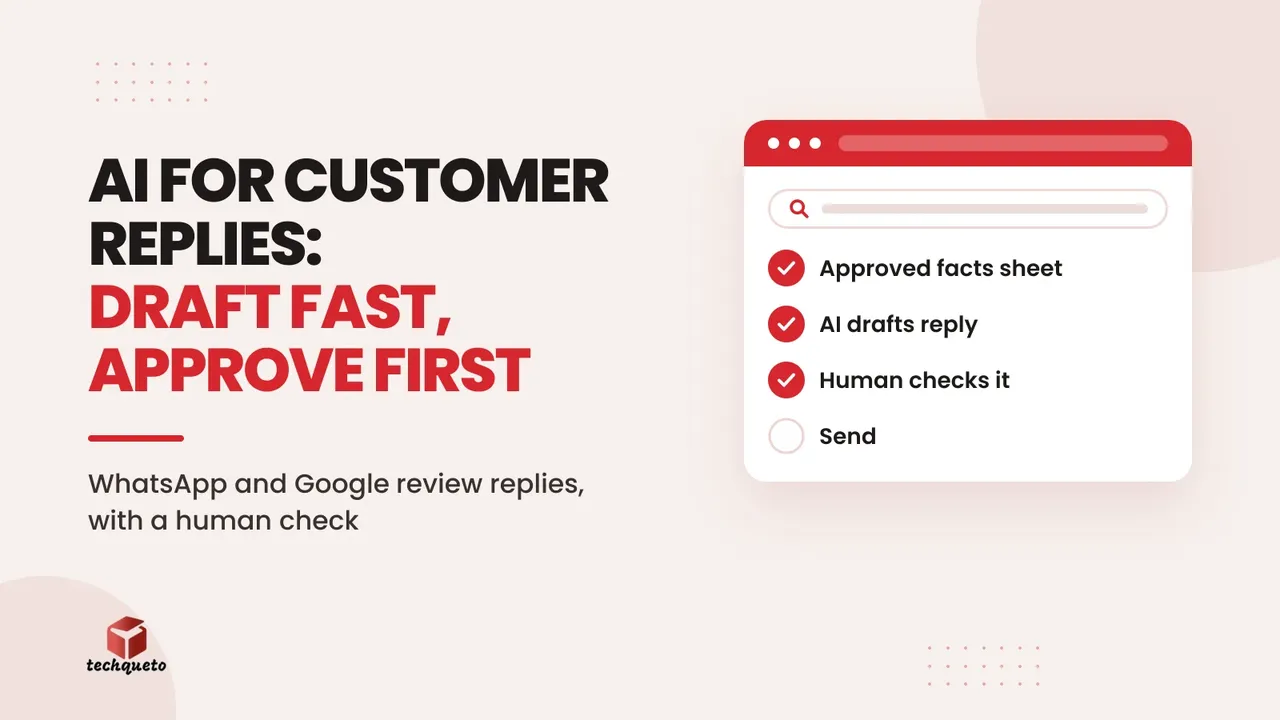
Paste this sheet at the top of every AI conversation you use for replies, with one instruction: use only these facts, and if the answer is not here, say that a team member will confirm. That last clause is what stops the tool from inventing a price, a discount or an appointment slot.
If you want something more permanent than pasting, the same idea scales into a searchable set of documents. We cover that in how to set up an AI knowledge base from your own documents. For a small business, a one-page sheet is usually enough to start.
What AI can draft, and what a person must handle
Not every message deserves the same treatment. Sort your replies into two groups before you automate anything.
Safe to draft with AI, then check quickly:
- A first reply to a new enquiry that thanks the person and asks one clear question
- Answers to repeated questions about timings, location, services and process
- Thank-you replies to positive reviews
- Polite follow-ups when a customer has gone quiet
- Rewording your existing quick replies so they sound friendlier and shorter
Keep with a person, every time:
- Refunds, compensation, cancellations and anything involving money moving
- Complaints and angry messages, where tone and judgement matter more than speed
- Anything that sounds like a medical, legal or financial claim about a customer's case
- Quoting a price that is not on your approved sheet
- Replies that mention a customer's private details, such as names, order contents or appointment reasons
The rule of thumb: if a wrong reply could cost you money, trust or a regulatory problem, a human writes it, and AI at most suggests a structure.
Do this: Run one week of real messages through the two lists above and tag each reply "AI draft" or "human only" before you change any tool. You will usually find that most of your volume is the safe group.
Drafting replies to Google reviews
Replying to reviews is the easiest place to start because the stakes per reply are low and the volume is steady. Google's Business Profile help on managing reviews sets the ground rules you need to know before any AI is involved:
- You must verify your business before you can reply to reviews.
- Your reply is public, posted under the customer's review as your business, not under a personal name.
- Google checks replies against its content policies. Replies usually take up to 10 minutes to review, but sometimes up to 30 days.
- The customer is notified when you reply, and can still change their review afterwards.
Because the reply is public, treat it as a public statement. Give the AI the review text and your approved facts, and ask for a short reply that thanks the reviewer, refers to something specific they said, and stays under three sentences. Then read it as the customer would.
For positive reviews, the usual failure is a reply that sounds identical to the last twenty. Ask the AI to vary the opening and to mention the specific thing the customer praised. For negative reviews, ask only for a calm structure: acknowledge, apologise for the experience without arguing about facts, and move the conversation offline with a contact route. Then a person edits it, because only a person knows what actually happened.
Never ask AI to write reviews, and never post praise in the voice of customers who did not write it. Reviews must reflect real experiences, and your replies should too. AI is for replying to genuine feedback, not for manufacturing it.
A worked example with rupees
The figures below are an illustration, not a benchmark. Suppose a small clinic or shop gets about 40 messages and review replies a week and values staff time at ₹300 an hour.
- By hand: about 4 minutes per reply, because someone has to find the details, think of wording and type it. That is 160 minutes, or about ₹800 of time a week.
- AI draft plus a human check: about 1.5 minutes per reply, because the draft comes from the approved sheet and the person only reads, adjusts and sends. That is 60 minutes, or about ₹300 a week.
In this example the saving is roughly 100 minutes, or ₹500, a week. That is not a headline number, and it is not the main point. The bigger gain is that enquiries get a first reply in minutes instead of hours, and reviews actually get answered. Check your own numbers after a month: time a sample of replies before and after, and trust that, not this example.
A real example from our work: Sadaya Healthcare
Our work for Sadaya Healthcare covered the website and patient-enquiry generation for a healthcare provider, as listed in our portfolio. We have not published results from that project, so we will not quote any here.
We use it to make one point. Patient enquiries are exactly where the "human only" list above matters most. A reply that sounds friendly but implies a diagnosis, a treatment outcome or a fee the clinic never agreed to causes real harm. For a healthcare business, AI can help with the welcome message, opening hours, directions and how to book. Anything that touches a person's health or a price should be written or approved by someone qualified to say it.
Common mistakes to avoid
- Skipping the approved facts sheet. Without it, the tool guesses. Guessed prices and invented policies are the fastest way to lose customer trust.
- Sending drafts unread. The draft is a starting point. Read every reply, especially the first line and any number in it.
- Replying in the wrong language. If a customer writes in Hindi, Marathi or Hinglish, check that the AI matches them and that the meaning is right, not just the grammar.
- Pasting private details into public replies. Review replies are public. Keep names, order details and appointment reasons out.
- Sounding the same everywhere. If every reply opens with the same sentence, customers notice. Add two or three real phrases from your own voice to the instructions.
- Letting AI answer complaints alone. An automated apology that misses the point is worse than a slower, human one.
A checklist to run before you press send
Use this on every AI-drafted reply until it becomes a habit:
- Is every fact in the reply on your approved sheet?
- Is there any price, discount, date or promise the customer could hold you to? If yes, confirm it yourself.
- Does the reply answer what this specific customer asked, not a generic version of it?
- Would you be comfortable if the reply were screenshotted and shared?
- For reviews: does it avoid private details and stay short and calm?
- Does it end with a clear next step, such as a time to call, a booking link or a number to message?
Your first week: a reply workflow you can run
Keep the rollout small so you can see what works:
- Day 1: Set up the WhatsApp Business greeting and away messages with a clear response time, and save five quick replies for your most common questions.
- Day 2: Write the one-page approved facts sheet and get the owner or manager to sign it off.
- Day 3: Ask an AI tool to rewrite your quick replies using only that sheet, and keep the versions that sound like you.
- Day 4: Draft replies to your ten most recent unanswered Google reviews, edit each one, and post them.
- Day 5: Review what happened. Which replies needed heavy editing? Add the missing facts to the sheet so the next drafts need less.
After that, repeat weekly for a month, keep the human-only list firmly in place, and only then consider connecting more tools. If you would like help planning an AI workflow for your business, our AI solutions page explains how we approach it.