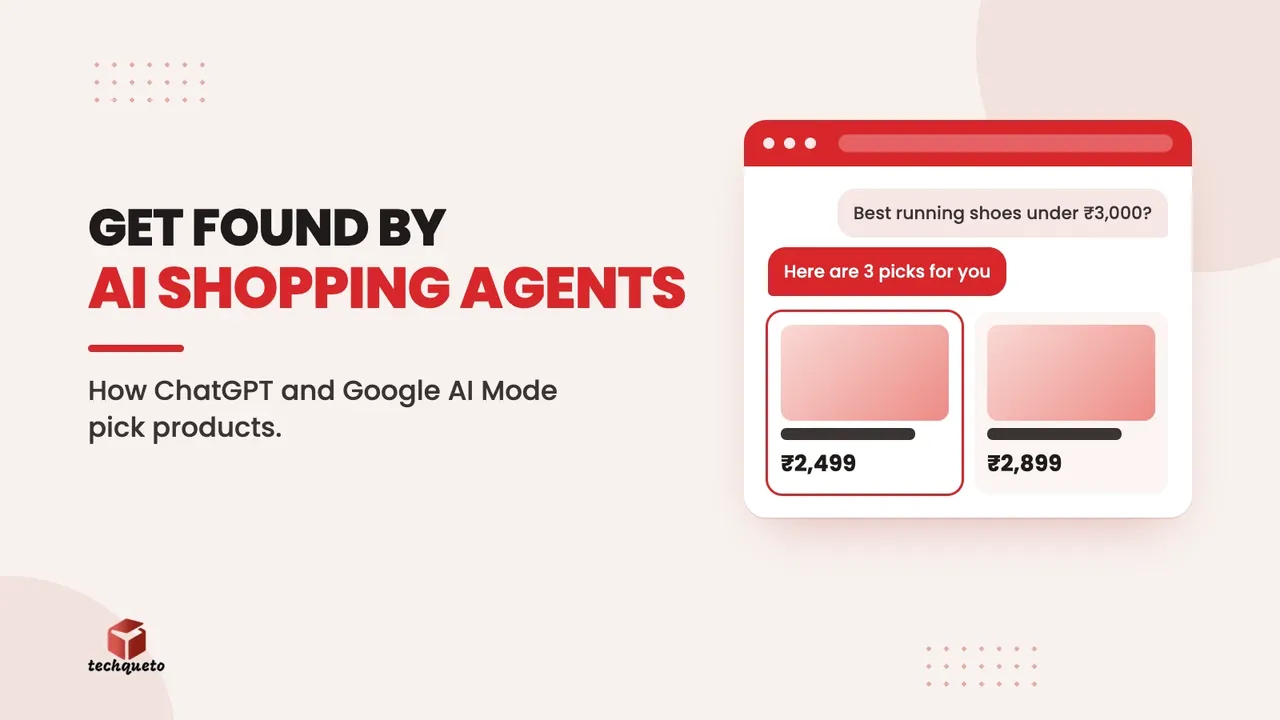
A growing share of shoppers no longer scroll through search results or category pages. They ask an assistant. "Which mixer grinder is good for dosa batter under ₹5,000?" goes to Amazon's Rufus. "Best cotton kurta sets for office wear" goes to Google's AI Mode or ChatGPT. The assistant reads product pages and listings, picks a few options and explains why. If your products aren't easy for it to read, you're not ranked lower; you're simply not mentioned.
This guide covers what these assistants look at and what to change, first on your own website and then on Amazon, where Rufus has become part of everyday shopping.
How AI shopping assistants choose products
The details differ by platform, and none of them publish their full recommendation rules, but the pattern is consistent. Assistants favour products whose key facts they can read reliably (price, availability, size, compatibility, ratings) and whose descriptions answer the kind of question the shopper asked. They lean on structured data and attributes rather than page design, and they use reviews and Q&A to judge real-world quality.
That means the work is less about tricks and more about information: complete, consistent, specific and easy for a machine to parse.
On your own website
Let the right crawlers in
An assistant can only recommend pages it can read. Check your site's robots.txt file, often edited years ago by a previous developer with a blanket "block bots" rule. Two points matter:
- Google's AI Mode and AI Overviews use Google's normal search crawler, so if your product pages are indexed in Google Search, they are available to AI Mode. The separate Google-Extended setting only controls whether your content is used for Gemini models, as Google's crawler documentation explains, and doesn't affect Search.
- ChatGPT's search uses OpenAI's OAI-SearchBot. OpenAI's crawler documentation explains how to allow it; if it's blocked, your products can't appear in ChatGPT's shopping answers.
Add complete product structured data
Product structured data is how an assistant confirms price, availability, brand and ratings without guessing from page text. Follow Google's product structured data guidelines and fill in more than the name and image: price and currency, availability, brand, SKU or GTIN, and aggregate rating where you have genuine reviews. Shopify and WooCommerce output some of this automatically, but it's worth checking a few product pages in Google's Rich Results Test rather than assuming it's complete.
If you run a Google Merchant Center feed for Shopping ads or free listings, keep it accurate and add product highlights (short benefit-led points) and detailed attributes for your best sellers. Merchant Center data feeds Google's shopping experiences, including AI Mode.
Write product copy that answers questions
Shoppers ask assistants questions, so pages that answer questions get used. A spec sheet doesn't tell anyone whether a product suits daily use, ships to Pune in two days, or fits a 6 ft bed. Pull the questions your sales team and WhatsApp support hear most often and answer them on the product page in plain language: who it's for, what it's not suited to, sizes and fit, care, delivery and returns. Unique copy also matters for search: product pages that copy the marketplace or manufacturer text give no one a reason to prefer yours.
Make images and videos readable too
Assistants read text far more reliably than pictures. Information that appears only inside an image (a size chart, "BIS certified", "pack of 3") may never be seen, so repeat it in the page text. Give every product image descriptive alt text and a sensible file name, show the product from several angles and in use, and if you have a short demo video, embed it on the page with a written summary. These help human shoppers deciding between similar products as much as they help machines.
Check whether ChatGPT can sell for you
OpenAI runs a merchant programme that lets approved stores submit product feeds and, in some cases, complete purchases inside ChatGPT. It launched with US merchants; check OpenAI's merchant page for current eligibility. You don't need it to be recommended: ChatGPT can still find and suggest your products through search if its crawler can reach a well-structured site.
On Amazon: making listings Rufus can use
Amazon's Rufus answers shoppers' questions inside the Amazon app using the catalogue, customer reviews and community Q&A. Amazon hasn't published how it chooses products, so the following is best practice based on what sellers and analysts have observed. Keywords still get you into the pool of candidates; listing quality seems to decide whether Rufus picks you.
Titles and bullets that answer questions
A keyword-stuffed title gives Rufus little to work with. Use a clear phrase: the product, its key features and who it's for. Start each bullet with a concrete, checkable fact, add a number, name the use case and settle one common doubt, such as capacity, compatibility, gifting suitability or warranty.
Fill every attribute, and remove conflicts
Blank backend attributes are missed chances to match a shopper's intent. Conflicting details are worse. If the title says 1 litre, a bullet says 750 ml and the A+ image says 700 ml, both shoppers and AI get confused. Text that appears only inside images may not be read at all. Download the category listing report from Seller Central, fill relevant blanks with specific values ("school lunch" rather than "daily use"), and make the title, bullets, attributes and A+ content agree.
Use three-star reviews as research
Three-star reviews show exactly which doubts stop people buying. Read your last 30, fix the repeated complaints in the listing (or the product), and answer pre-purchase questions in Q&A with numbers where possible. Never offer discounts or gifts for reviews: it breaks Amazon's policies and can bring penalties.
Test it yourself
Seller Central doesn't report Rufus traffic separately, so test directly. Ask Rufus 20 buyer-style questions about your products, from two or three accounts because answers are personalised, and log every wrong, vague or missing answer. Fix the gaps, starting with conflicting details, and repeat a few weeks later.
Before a big sale
Assistants get busiest when shoppers compare deals, so the weeks before a major sale are when listing quality pays most. Fix your top 20 to 30 products by revenue first rather than the whole catalogue, and push changes while catalogue approvals are quick; both Amazon and Flipkart slow down during peak periods. Our guide to selling on marketplaces versus your own D2C store covers stock, fees and returns planning for sale season.
What this looks like on a real catalogue
This is the same groundwork we do on ecommerce projects. For Omexcart we built the store and set up its product listings, and for Nanzi Apparel, an apparel brand, we ran social and marketplace growth across four sales channels: its own D2C store, Amazon, Flipkart and Myntra (both are on our work page). When one catalogue lives on four channels, the details drift. A size chart is updated on the website but not on Myntra, or a fabric is described one way on Amazon and another way on the store. An assistant comparing sources reads that as uncertainty. The practical fix is one master sheet of product facts, such as sizes, materials, care instructions and what's in the box, that every listing is updated from, so each channel tells the same story.
The same work helps people too
Everything here, complete facts, consistent details, honest answers to real questions and genuine reviews, is also what converts human shoppers. The same thinking applies beyond products: local businesses are being described by AI from their Google Business Profile, which our Google Business Profile guide covers, and services by AI search, covered in our AI search SEO guide.
Start with five products: check crawler access and structured data, rewrite the copy around real questions, fix conflicting details on Amazon, and test what the assistants say. Then work through the rest of the catalogue in order of revenue.