Want Claude Code to behave the way your team works? You can create a Claude Code mod in under half an hour, even if you have never touched its internals. A mod is a small plugin that hooks into Claude Code itself, so it can add commands, change the spinner, show panes or block risky actions. In our earlier post we covered what Claude Code mods are and what they mean for your team. This guide is the hands-on follow-up: two ways to build one, then a complete working example you can copy.
What you need before you create a Claude Code mod
Mods need Claude Code version 2.1.287 or later. Check yours by running claude --version in your terminal. Mods are written in plain JavaScript or TypeScript, and according to Anthropic's guide to creating a mod, you don't need Node.js, a bundler or a build step, because Claude Code loads .js and .ts files directly.
A mod is a normal Claude Code plugin with one extra thing: a "hooks module", which is a file whose functions Claude Code calls when events happen, such as Claude using a tool or you typing a command.
Do this: update Claude Code first, then make an empty folder called first-mod where you will build the example below.
Option 1: ask Claude to write the mod for you
The fastest route is to describe what you want inside a Claude Code session, for example: "make a mod that shows the current git branch above the prompt". Claude uses a built-in skill called plugin-authoring, writes the mod into the session's mods folder and asks whether to enable hot reloading. Choose "Enable for this session" and the mod loads when Claude finishes its turn. Run /plugin and open the Installed tab to see it listed.
Two things to know. A mod Claude writes this way only loads in that one session, so copy the folder somewhere permanent if you want to keep it. And it will not load in unattended runs or untrusted workspaces, because it needs your approval.
Do this: start with a small request, such as a branch indicator or a reminder before deploy commands. Small mods are easy to check.
Option 2: write a mod yourself in three files
Writing it by hand teaches you what Claude is doing for you. Every mod has the same shape:
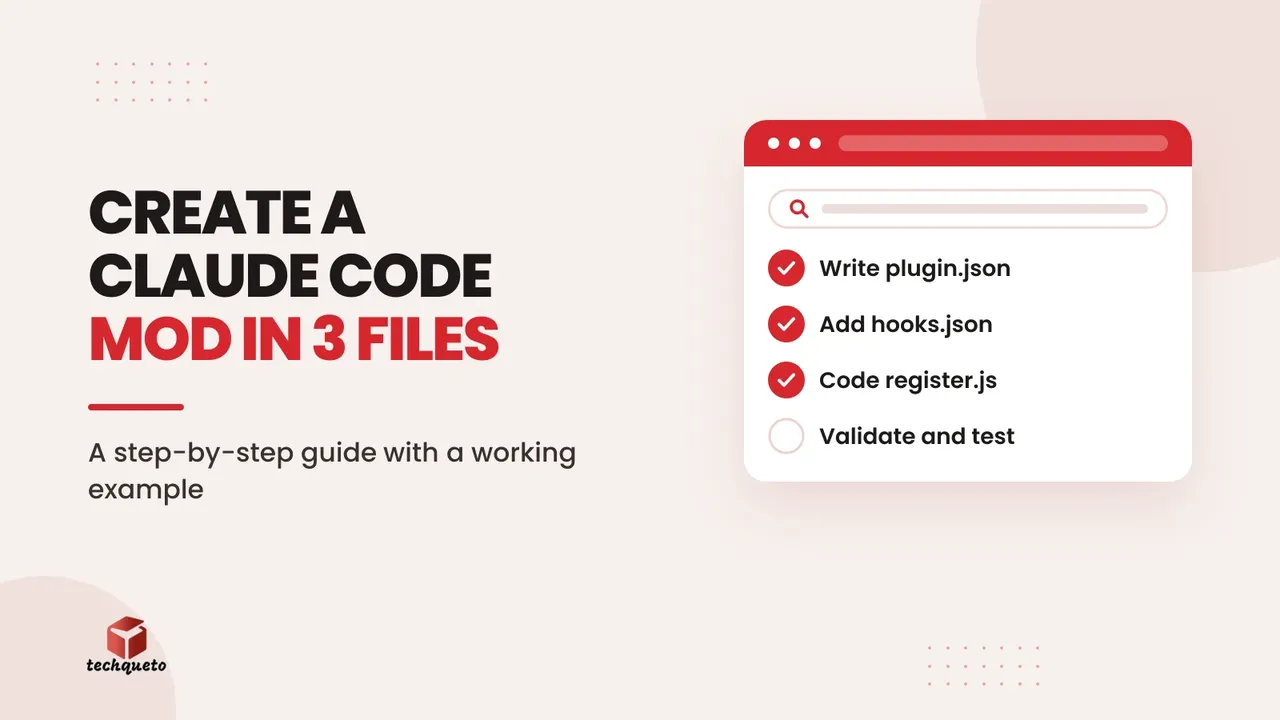
.claude-plugin/plugin.jsonis the manifest, with the mod's name, version and description.hooks/hooks.jsonpoints to your code. Themoduleskey is what makes a plugin a mod.hooks/register.jsis your code, the hooks module.
Create the folders with mkdir -p first-mod/.claude-plugin first-mod/hooks, then save the manifest as first-mod/.claude-plugin/plugin.json:
```json
{
"name": "first-mod",
"version": "0.1.0",
"description": "Counts Claude's tool calls and adds a /tally command"
}
```
Next, save first-mod/hooks/hooks.json:
```json
{
"description": "The first-mod hooks module",
"modules": ["./register.js"]
}
```
Do this: keep the mod's name short and descriptive. Names that look like Anthropic's own, such as ones starting with claude-, fail validation.
The worked example: a tool-call counter with a /tally command
Here is a complete mod that counts how many tool calls Claude makes and lets you ask for the number with a /tally command. Save it as first-mod/hooks/register.js:
```javascript
// The count, shared by the hooks below
let calls = 0
export function register(on) {
// Runs when the session starts: add the /tally command
on('session.start', async ($, e, next) => {
await $.command.register({
name: 'tally',
description: 'Show how many tool calls Claude has made',
})
return next(e)
})
// Runs each time Claude is about to use a tool
on('tool.call', async ($, e, next) => {
calls += 1
return next(e) // let the tool run as usual
})
// Runs when you type /tally, and only then
on('command.run', { command: 'tally' }, async () => {
return { text: 'Claude has made ' + calls + ' tool calls since this mod loaded' }
})
}
```
Start Claude Code with claude --plugin-dir ./first-mod, ask it to list the files in a folder and read a README, then type /tally. You will see the count printed in the transcript. The same code in the official guide also adds the count beside the spinner by hooking the interface's ui.render event.
Do this: run the example exactly as written first. Only change things once you have seen it work.
How the code works: events, hooks and next
Each function you pass to on is a hook. Claude Code gives every hook three arguments: $, the mods API that reaches outside the mod (commands, interface, storage); e, the event with its details, such as which tool is being called; and next, a function that passes the event on to other mods and then to Claude Code's normal behaviour.
That gives a hook three choices. It can observe (count the call, then return next(e)), answer for itself (return a result without calling next, as /tally does), or rewrite (call next with a changed copy of e). The { command: 'tally' } in the third hook is a matcher, so it runs only for that command.
Do this: when you plan a mod, write down the event you want to react to and which of the three choices fits. Blocking a command is "answer", showing extra text is "rewrite".
Validate, test and edit while it runs
Before trusting a mod, run claude plugin validate ./first-mod. It reads your code without running it and lists the events you hook and the API calls you make, so you can confirm it only does what you intended. A misspelled event name is reported as an error.
For automated checks, write a test file such as first-mod/tests/first-mod.test.ts that fires two fake tool calls, runs /tally and expects the reply to say two, then run claude plugin test from the mod folder. It runs without a session or network connection. Edits to a mod loaded with --plugin-dir reload while the session runs, though the counter resets each time because register runs again.
Do this: make validate-then-test your habit before sharing any mod, including ones Claude wrote for you.
Share your mod with your team
A mod is a plugin, so you share it like one. For a few people, send the folder or a zip. For a team, list it in your own plugin marketplace, such as a private repository. Put the Claude Code version you tested with in the README, because events and methods can change between releases. Remember that mods are not sandboxed and run with your permissions, so only install mods from people you trust.
Do this: keep developing against the folder with --plugin-dir, not an installed copy, because installed copies are cached by version until you bump it.
The bottom line
To create a Claude Code mod, you either describe it to Claude or write three small files: a manifest, a pointer file and a hooks module. The counter example above covers the whole pattern: register a command, watch an event and return a result. Once that works, swap the counter for something your team actually repeats by hand, such as a pre-launch checklist command or a warning before production changes.
Need help with this? Get in touch with Techqueto — we build and grow websites for 100+ brands across India and the UAE. Ready to get started? Get started here.